Faceless YouTube Views but No Money? A Golpo AI Playbook
Your faceless channel has attention. This playbook shows how to connect one audience problem to one offer, then produce that explainer in Golpo from an idea, a script, or your own narration.

The short answer: Your faceless channel is getting attention. Now you need a clearer connection between what viewers watch, the problem they want solved, and the next step you offer them.
This guide shows how to choose that connection and produce the video that supports it. With Golpo, you can start from an idea, an exact script, or your own narration, then create an animated explainer shaped around your channel’s voice and visual identity. Below is a real episode, the settings used to make it, the credit cost, and what to measure after you publish.
Why views are not becoming revenue
Two videos with the same view count can be worth very different amounts. One attracts people who want a story. The other attracts people who need to finish a task. Advertising, affiliates, sponsors, products, and services only work when they match that reason for watching.
| What you see | Question to answer | What to inspect |
|---|---|---|
| High views, low ad revenue | Do the audience, country, format, and topic match advertiser demand? | Revenue by geography, format, topic, and season |
| Clicks, few purchases | Is the recommendation relevant and believable? | Landing page, refunds, comments, and message fit |
| Sponsor interest, weak renewals | Did viewers take a qualified action? | Tracked actions, lead quality, sponsor feedback |
| Product sales, high refunds | Did the episode promise more than the product does? | Refund reasons and support notes |
| Leads, poor close rate | Are you attracting the buyer you can actually help? | Source, qualification, and sales notes |
| Revenue, no profit | Which costs are missing from the spreadsheet? | Research, review, tools, support, and your time |
Classify the episode before you choose the offer:
- Entertainment. The viewer wants a story or a surprising idea. Ads and broad sponsorships can fit. A direct purchase usually does not.
- Learning. The viewer wants to understand something. A deeper guide, course, or relevant sponsor can fit when it continues that lesson.
- Problem solving. The viewer needs to complete a task. A checklist, template, tool, or service can fit.
- Evaluation. The viewer is choosing between options. Affiliates and sponsors fit when the comparison and the commercial relationship are visible.
- A professional decision. The stakes are higher. A qualified conversation can be valuable, and accuracy matters more than click volume.
A history video does not become a software recommendation because the view count is large. Advertising rates also move with geography, season, advertiser demand, and eligibility. Use your own numbers. YouTube’s monetization decision looks at originality and channel patterns, and using Golpo does not settle that decision. Read the current YouTube channel monetization policies before you change how the channel is produced.
Choose one audience problem and one offer
Pick one recurring problem your viewers already recognize, and one next step that helps with that problem. Then make the video that teaches the problem well enough for the next step to make sense.
Golpo helps you produce those videos. The business still depends on the audience, the offer, and how you deliver it. The commercial scenarios below are hypothetical. They line up a production pattern with an offer. They do not report income.
| Revenue route | Episode to build in Golpo | What the video has to do |
|---|---|---|
| Affiliate | A workflow explainer that shows how one tool completes a specific task | Give an original explanation, show the real product, and disclose the relationship |
| Sponsorship | An educational episode with one relevant sponsor segment | Keep the sponsor inside the channel’s voice, look, and standards |
| Course or digital product | A free lesson that solves the first part of a problem | Make the free lesson useful, and make the paid resource the deeper implementation |
| Service | An explainer of how you approach a business problem | Demonstrate the thinking, then invite a consultation or assessment for people who fit |
There is a fifth route that does not wait for a large channel. A creator can offer businesses a scoped explainer: one subject, one approved script or source, a defined visual style, and a finished video. That is a service to price and deliver, with review included. It is another model to test, and it still requires a buyer, a clear scope, and work you can stand behind.
Before a recommendation goes into an episode, it should pass this check:
- The offer solves the problem the episode actually explains.
- Any payment, affiliate, or free product is disclosed.
- Limits are visible, and the landing page matches the video.
- You would still make the recommendation without the commission.
- Refunds, complaints, and renewals are part of the review.
- The ask qualifies the viewer. More leads are not automatically better.
Build the explainer in Golpo
Golpo brings scripting, narration, scene creation, and animated explanation into one workflow. Start with an idea, bring your own script, or upload your narration. Then shape the result around your channel’s visual identity and voice, without drawing every scene by hand.
You still own the facts. A wrong claim, a missing disclosure, or a careless recommendation is your responsibility. That responsibility is separate from having to build every frame yourself.
| Where you start | What Golpo contributes |
|---|---|
| “I have an idea, and no script.” | Golpo develops the narration and the visual explanation from the brief. You can review the script before the video is created. |
| “I have written exactly what I want said.” | Script Mode turns that narration into the animated explainer. |
| “I already recorded the explanation.” | Own Narration builds synchronized visuals around the audio you upload. |
The useful product question is which creator problem the feature removes. A stronger format gives you something to test. It does not, by itself, raise retention or revenue.
| Creator problem | What to use | Why it matters to the channel |
|---|---|---|
| Every video looks unrelated. | Custom Style, saved from an image, a video, or a written description, in Canvas or Sketch. Available from the Business plan. | The series can share a visual identity. |
| The channel needs a host, and you do not want to appear on camera. | Character Consistency, a Scale-plan beta. Define a character and reuse it across scenes and videos. | A series can have an illustrated host, mascot, or cast. |
| The channel should sound like you, and you do not want to record every episode. | Voice cloning from the Business plan, or your own recording through Own Narration. | You choose how much recording work each episode requires. |
| The explanation is hard to follow. | Sentence-to-scene mapping. Golpo proposes the breaks. You can combine scenes, split them, and check the scene count before production. | You can repair a confusing explanation before you generate it. |
| An affiliate or sponsor video has to show the real product. | Insert screenshots, images, clips, or screen recordings beside the generated scenes. See how inserted media works. | The explanation can include evidence of what the product does. |
| One wrong label makes the video unusable. | Prompt-based, frame-by-frame editing after the video exists. | You can revise the output. The first generation does not have to be the published cut. |
Faceless does not have to mean anonymous-looking or personality-free
Golpo can keep you off camera, or it can put a presenter beside the explanation. The presenter and the animated explanation are parts of the same video. The presenter is not a separate product you have to edit in later.
- Fully faceless. Use animation and narration. A recurring illustrated character can give the series a face without using yours.
- Off camera, with a presenter. Choose a stock Golpo Avatar. You stay out of the recording.
- Your identity, without filming each episode. Create an AI Presenter from a selfie, and pair it with a built-in voice or a cloned voice. This avoids a shoot. It does not hide your face.
Picture-in-Picture is the option for people who already have presenter footage or want to record themselves. Golpo uses that recording’s audio to drive the animation and keeps the presenter on screen. It is a different path from the selfie presenter.
Watch the onboarding episode
The episode below is an original explainer produced for this guide. The subject is one a services channel could actually publish: why client onboarding breaks after the sale, and a simple handoff the delivery team can run. It is production evidence. It is not a revenue case study, and it does not report views, clicks, or sales.
1. The brief
We started with an idea, not a finished script:
Write a two-minute explainer for operations managers and founders. Explain why client onboarding breaks after the sale, then show a simple handoff: usable context, the agreed outcome, the assets delivery needs, and a first-week checkpoint, carried by one named owner. Close by pointing to a written handoff checklist. Do not invent statistics, company names, prices, or results.
2. The script review
Golpo drafted the narration from that brief. The draft was 2,175 characters. A two-minute Script Mode video allows about 1,050 characters per selected minute, so the working ceiling was about 2,100 characters. We kept the argument and cut a repeated walkthrough of the same four steps. The approved narration is 1,624 characters. Nothing was added that the brief did not ask for.
A client says yes. Sales records the deal, the agreement is signed, and delivery is told to get started. Then the client arrives at kickoff and hears questions they thought they had already answered.

Why did they buy? What outcome matters most? Who needs to be involved? What did sales commit to? What access, documents, or technical details are already available?

That is where onboarding breaks.

The sale records a promise, but delivery often starts from a blank page. Sales has the relationship history. Delivery needs a usable starting point. When that bridge is missing, the client has to repeat their story. Confidence drops before the team has delivered anything.

The missing handoff is not a forwarded email or a calendar invite. It has four parts.

First, usable context: why the client chose you, what has been discussed, who the stakeholders are, and what open questions remain.

Second, the agreed outcome: what the client is trying to achieve and how the team will recognize progress.

Third, the assets delivery needs: documents, system access, contacts, prior materials, and anything else required to begin.

Fourth, a first-week checkpoint. That meeting confirms priorities, access, responsibilities, and next steps with the client and the delivery team.

Assign one named handoff owner. They do not have to do every task. Their job is to carry the information from sale to delivery, expose gaps before kickoff, and keep the client from explaining the same situation twice.

Before your next kickoff, use a written handoff checklist. It turns the promise made in the sale into a clear start for delivery.
On the product’s Edit script before creating video path, this checkpoint is part of the same generation. Golpo charges 10% of the selected duration when the script is ready and the remaining 90% when the video is created. The total stays equal to the minutes you selected. Details are in the credit guide.
3. The channel look
We saved a reusable Custom Style from a written description, then applied it to this Canvas generation. The same saved style can be selected again for the next episode.
- Style name: Operations Notebook
- Reference type: text description
- Style id:
3a6f7124-d61e-4fa6-be34-e0b1bc1f2a7e
Warm ink-and-paper operations explainer. Soft cream paper background, deep navy linework, one amber accent, simple geometric people and documents, clear handwritten labels, generous whitespace. Feels like a careful operations notebook. No photorealism, no 3D, no stock-photo collage, no neon, no cartoon mascots.
4. The settings
Entry: idea brief, then the approved narration in Script Mode
Engine: Golpo Canvas
Custom Style: Operations Notebook
Duration selected: 2 minutes
Finished runtime: 1:53
Scenes: 6
Orientation: horizontal, 16:9
Language: English
Voice: Female 1
Pace: normal
Music: none
Watermark: off
Frame edits after render: none
Credits: 2, at the standard rate of 1 credit per selected minute
Job: 099f173b-613e-41b7-b192-b5f582ae1bba
This render used Golpo’s automatic scene breaks. In the product, you can open the scene map first, move sentence boundaries, and change the scene count before generation. That control is documented in the custom scenes guide. We left the map automatic so the video shows the style and the explanation together.
5. The finished video
Finished Golpo video · 1:53 · 6 scenes · Canvas · Operations Notebook · open MP4
The six scenes follow the script. These stills are frames from the same file:

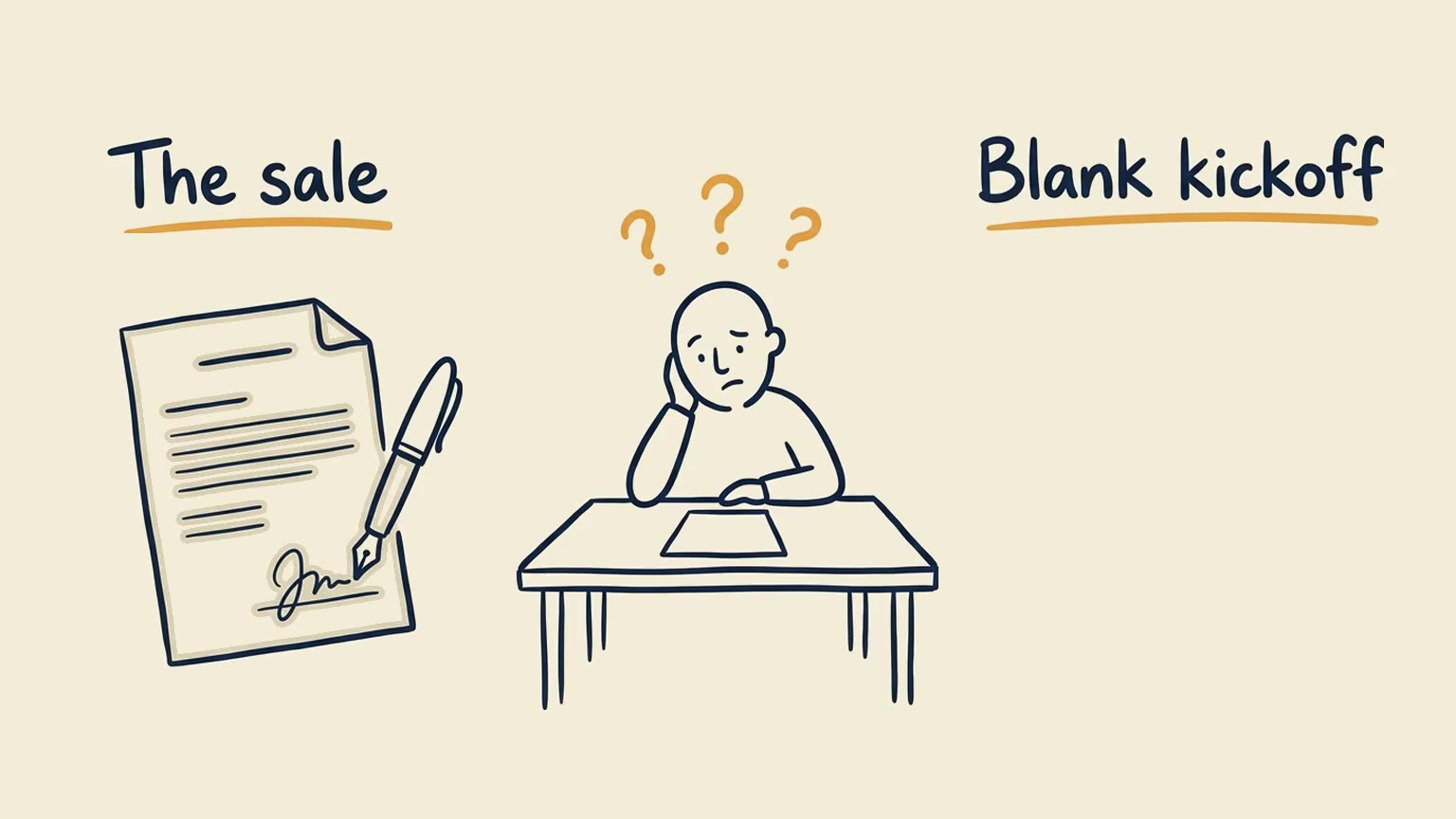
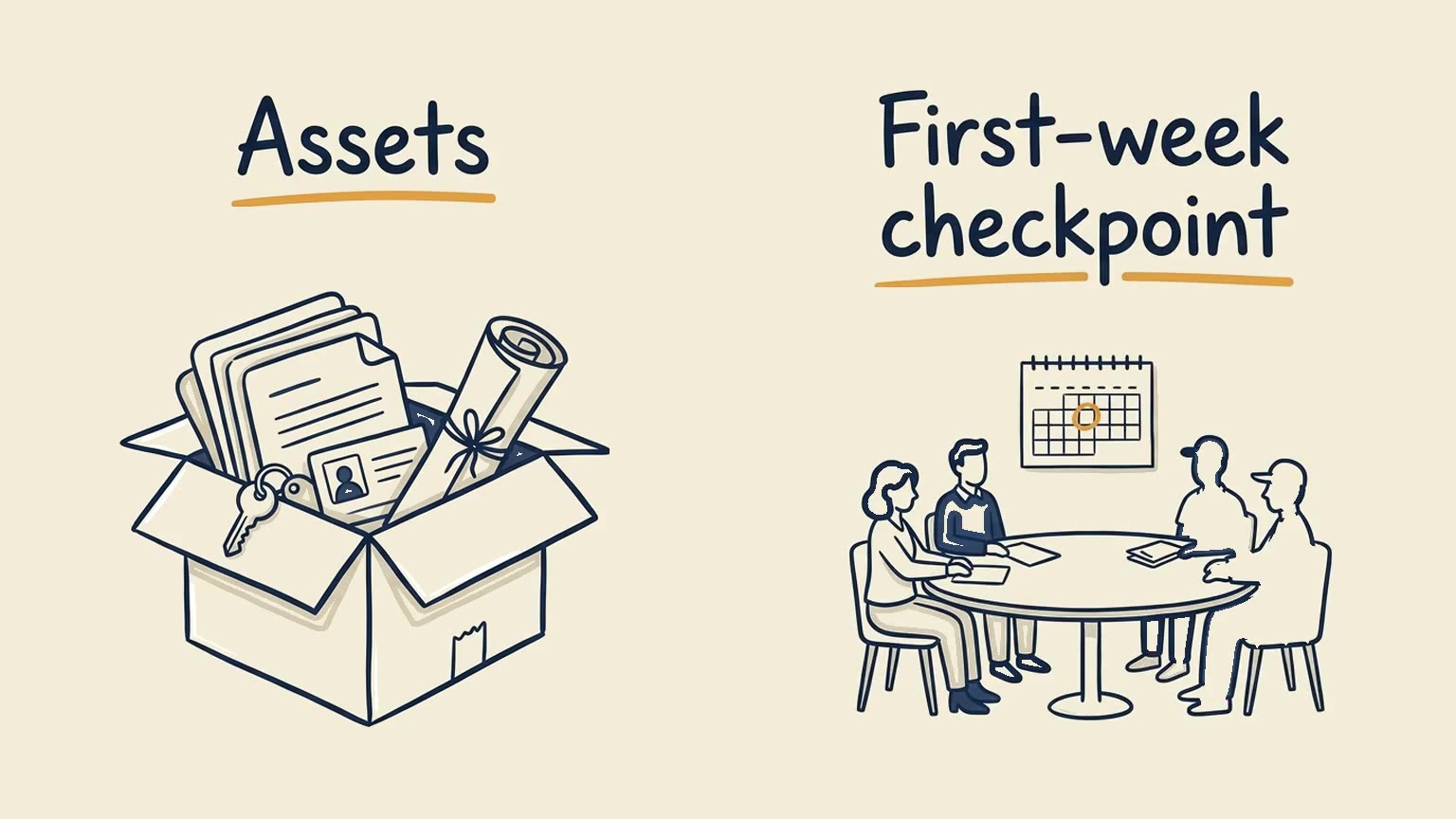
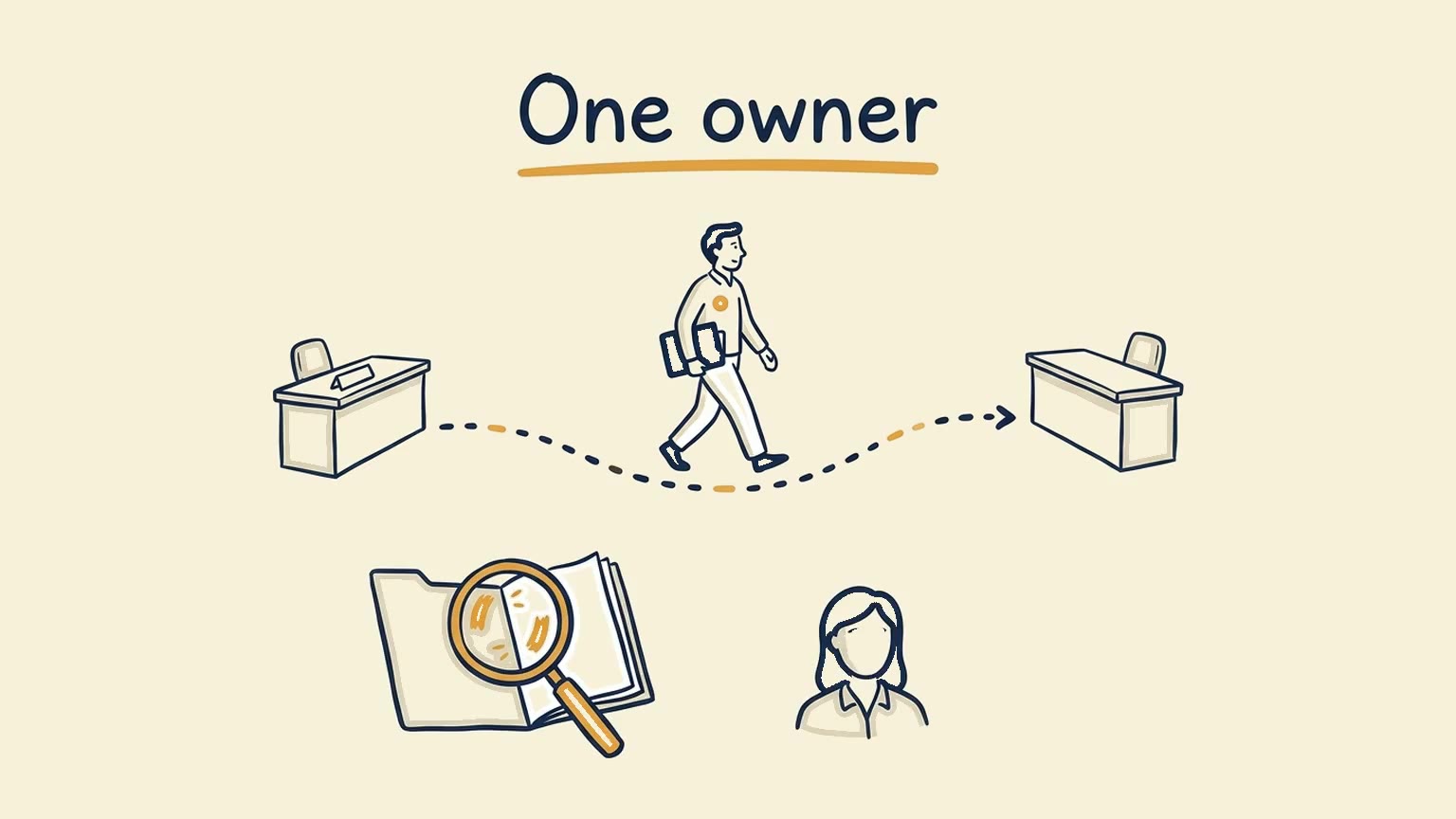
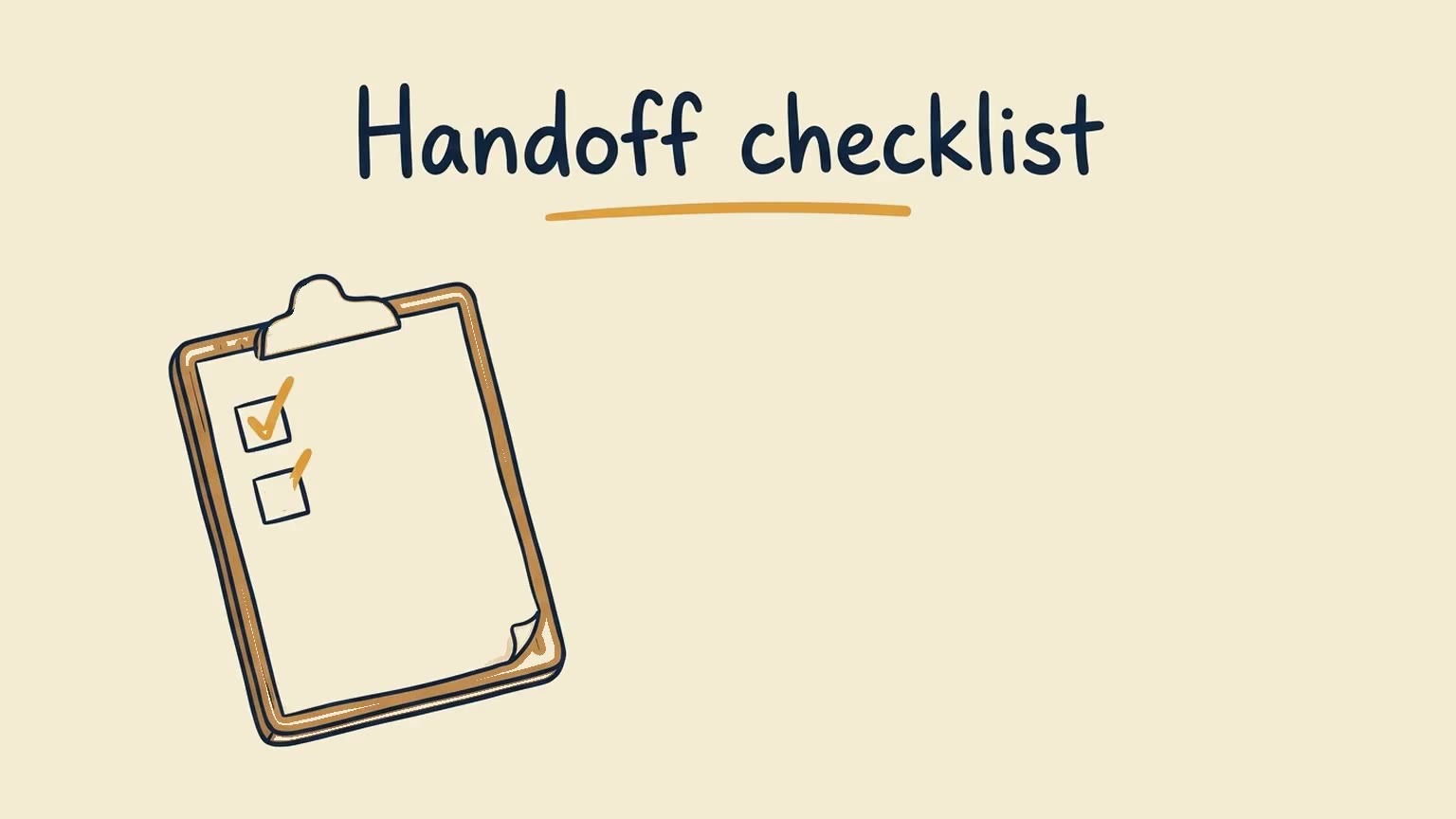
Review before you publish. The labels in these frames match the script. One spoken line, “the assets delivery needs,” came out closer to “the asset’s delivery needs.” Frame editing changes pictures, not the voiceover, so a creator who needs that word spoken exactly would generate the line again. One earlier frame also draws the delivery team with muddy fills. That is a picture a frame edit can revise. We did not finalize an editing version, so the file above is the first generation, including that frame.
The close of the narration is the next step: a written handoff checklist, used before the next kickoff. The commercial use of this episode is hypothetical. On a channel with this audience, that checklist would be the one link in the description. It could stay free, or it could introduce a paid workshop or an onboarding assessment for teams that want the workflow implemented. The video’s job is to make that next step relevant. This page does not report downloads, views, or sales. An affiliate episode in the same style would add one authorized product image or clip, then a check that the picture matches the claim.
What this episode costs
The two-minute episode above is a standard Canvas generation: one credit per selected minute, so two credits. No editing version was finalized, and no avatar was used. The first edited version is free across sessions until finalized. Credits follow the duration you select, not the file’s exact runtime. Confirm the current rules in the credit guide and the live pricing page.
To make a longer production concrete, use the Business plan currently listed at $499.99 per month for 390 credits, with videos up to 10 minutes. At full use of those credits, each credit carries about $1.28 of the subscription: $499.99 ÷ 390. These are allocated software costs. They are not a separate purchase price for one video. The subscription is still $499.99 when you use fewer credits. Your time, research, review, offers, and other tools sit outside this table.
| Eight-minute production example | Credits | Allocated subscription cost |
|---|---|---|
| Standard explainer generation | 8 | $10.26 |
| Standard generation plus first edited version | 8 | $10.26 |
| Stock Avatar video generation | 24 | $30.77 |
| Custom AI Presenter video generation | 40 | $51.28 |
Standard generation uses one credit per selected minute. Stock avatars use three, and a custom AI Presenter uses five. The editing row includes the free first edited version. Later eight-minute edited versions cost 8 credits each; further frame edits within that version add no charge. The avatar rows leave out revisions and any separate charge for creating the presenter.
A hypothetical month on the same plan could be twelve eight-minute standard explainers and twenty-four one-minute standard Shorts. Generation uses 120 credits. Holding an equal allowance for one later paid editing version of every video brings the example to 240 credits, inside the Business plan’s 390. That is a capacity sketch. It is not a forecast of views or revenue.
Contribution is still a wider sum: advertising, affiliates, sponsors, product margin, and service margin, minus research, review, tools, distribution, support, and refunds. A high-view series can be worth keeping because it builds recognition, even when a smaller problem-solving series produces the qualified action. Label each series by the job it does.
Test, measure, and expand what works
Once a channel has a saved look and a chosen voice, the next episode should reuse those decisions and change the substance:
- Approve a new brief.
- Apply the saved visual style and the selected narration.
- Generate the video.
- Review the facts, labels, and the single next step.
- Publish, then read the response before you add another episode.
For a first test, take one series with a repeating problem. Add one next step that continues the lesson: a checklist, a worksheet, a relevant trial, a product module, or a qualification page. Compare it with similar episodes that do not use that step. Keep the path only when the offer helps the viewer and the contribution is positive after the real costs, including refunds and support.
Shorts and other languages can come from the same subject, as separate cuts made for that format or locale. A cropped duplicate is not a new episode. YouTube’s policies allow a recurring format and recurring characters when the substance changes, and they treat repetitive, mass-produced, low-value libraries as a monetization problem. A consistent notebook style is a brand. Interchangeable videos are a different thing. The scaling guide covers that operating line in more detail.
An advanced path, once the manual workflow is stable, is the Golpo API. It can create a reusable Custom Style and apply it to later Canvas and Sketch generations, and it can render separate language versions of a video. Each language version is its own render and its own credit charge. You can run that generation from Codex, Claude Code, GitHub Copilot, Cursor, or an MCP client. Publishing, approvals, and analytics stay in your own workflow. Scale includes API access. Business has a paid API add-on. API Only is metered separately and does not include dashboard generation. Presenter API support is coming soon, so presenter episodes stay in the product rather than in an automated batch. See how to get API access.
Watch concentration as well as totals. One sponsor, one affiliate program, or one topic can disappear. Add a second offer only when it serves the same audience at a different moment. The business playbook and the educational niche scorecard help you choose that audience before you increase volume.
Frequently asked questions
Why do YouTube views make little money?
Views measure attention. Revenue depends on why people arrived, whether a relevant offer exists, and whether the episode earns trust after production and support costs.
Do I need a finished script before using Golpo?
No. You can start with an idea and review Golpo’s narration before production, paste the exact words in Script Mode, or upload a recording through Own Narration.
How many Golpo credits does an explainer use?
Standard generation uses one credit per selected minute. On the published Business plan, $499.99 buys 390 credits, about $1.28 of allocated subscription cost per credit.
Can Golpo guarantee YouTube revenue?
No. Golpo produces the explainer. Audience fit, the offer, disclosures, and execution still determine whether the episode contributes revenue.
Should every video sell something?
No. Give an episode one next step that matches why the viewer pressed play. Some episodes should only lead to another useful video.
Build one episode with a purpose
Choose a question your audience already asks. Develop the explanation in Golpo, apply your channel’s visual style, and give viewers one relevant next step. Review the finished video, publish it, and measure both the audience response and the real production cost before you expand the series. Start that episode at video.golpoai.com.
Tags


