For Learning & Development Teams
Turn any document into a training video. With a prompt.
Generate whiteboard explainer videos from SOPs, manuals, and training materials. Start with a prompt or document, then review the result and use the editing controls available on your plan.
Golpo L&D workflow sample
Whiteboard video can build training concepts step by step
How it works
From a prompt or document
to a reviewable whiteboard video
Enter your prompt and any documents. Set your voice and video style. Click Generate.
Review the generated whiteboard video before publishing
Create a video in a variety of whiteboard styles, from sketch to canvas
Full control
Customize every detail
Or let Golpo handle it all. Either way.
Bring your own script
Write the script yourself and have Golpo turn it into a fully animated whiteboard video. Your words, their visuals.
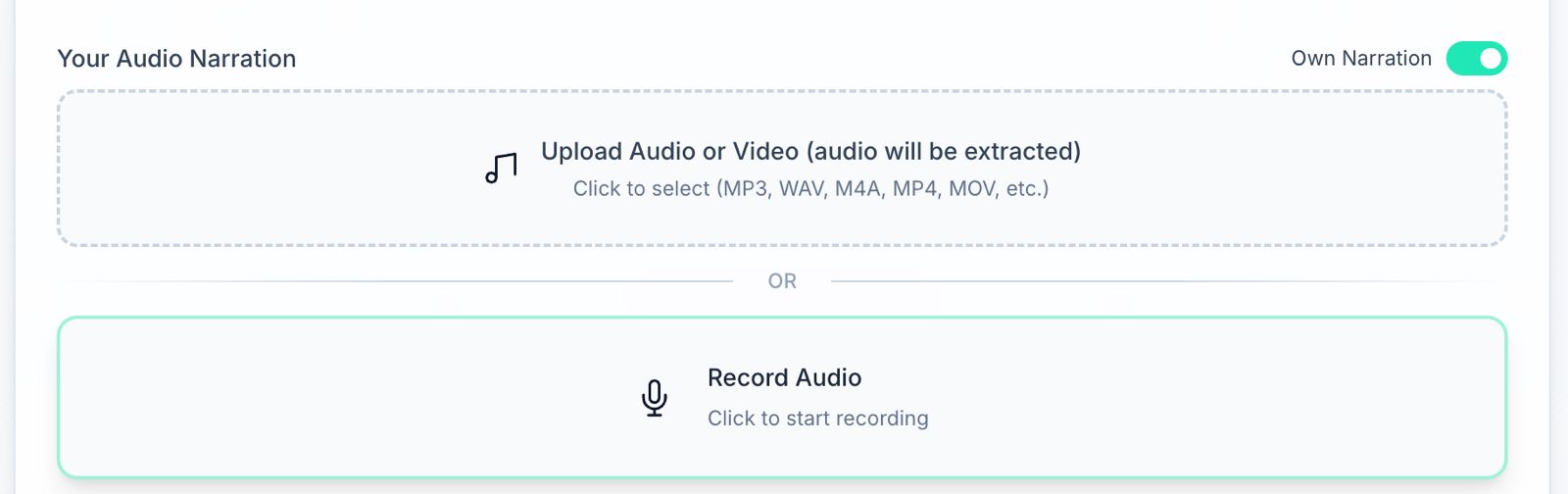
Upload your own audio
Business and higher workflows can use your own narration and align generated visuals to the supplied audio. Review the result before publishing.
45+ narration languages on Creator and higher
Creator and higher plans currently include multilingual narration and multi-language variants. Availability is plan-dependent.
Editing
Need more control after generation?
Editing options vary by plan, from script review to frame-by-frame controls.
Visual editing with natural language
Business and higher plans support prompt-based visual editing. Review each applied change before publishing.
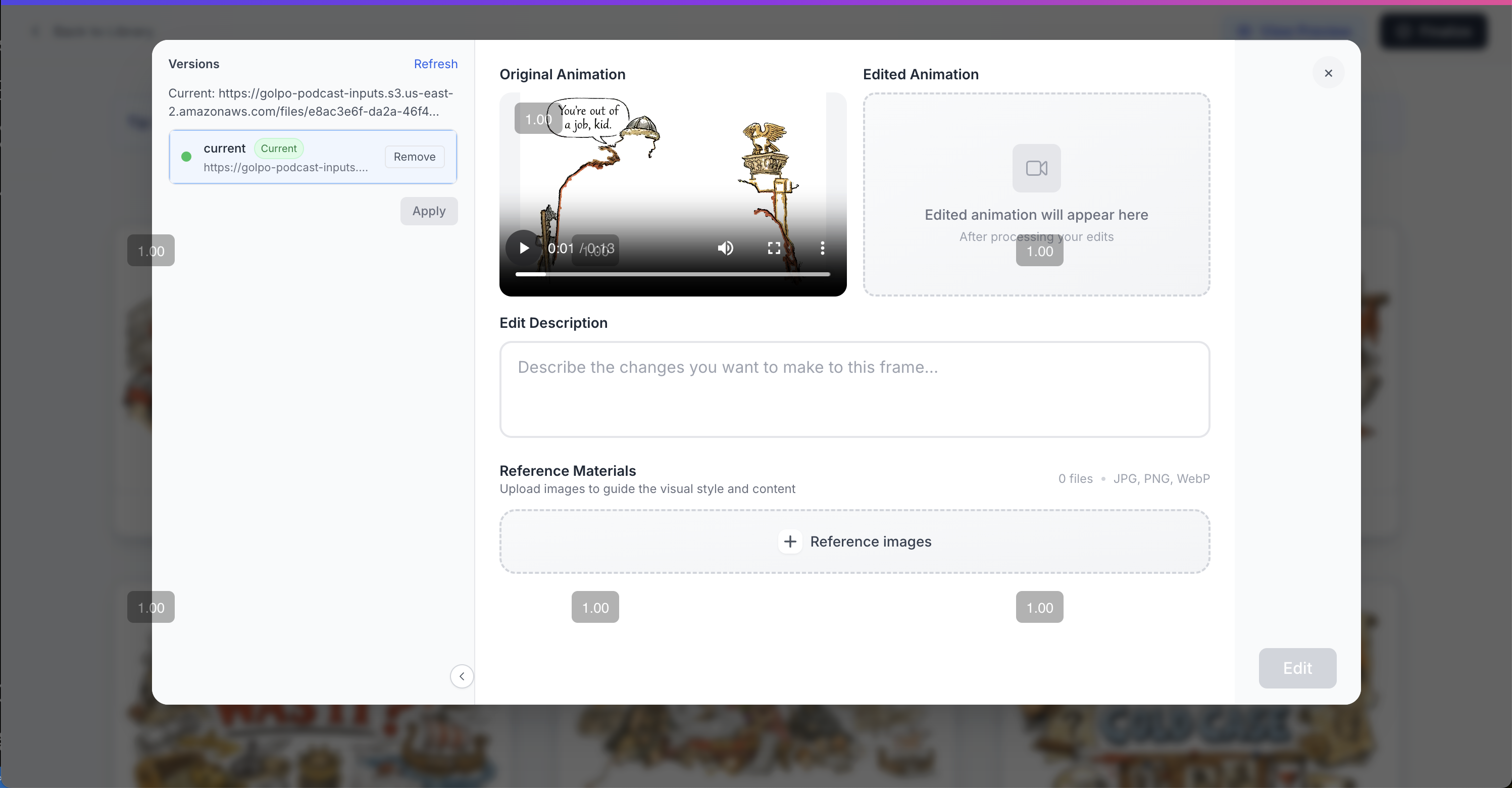
Frame by frame editing
Business and higher plans include frame-by-frame prompt editing for more precise visual changes.
Time alignment editing
Fine-tune exactly when each visual appears relative to the narration. Down to the millisecond.

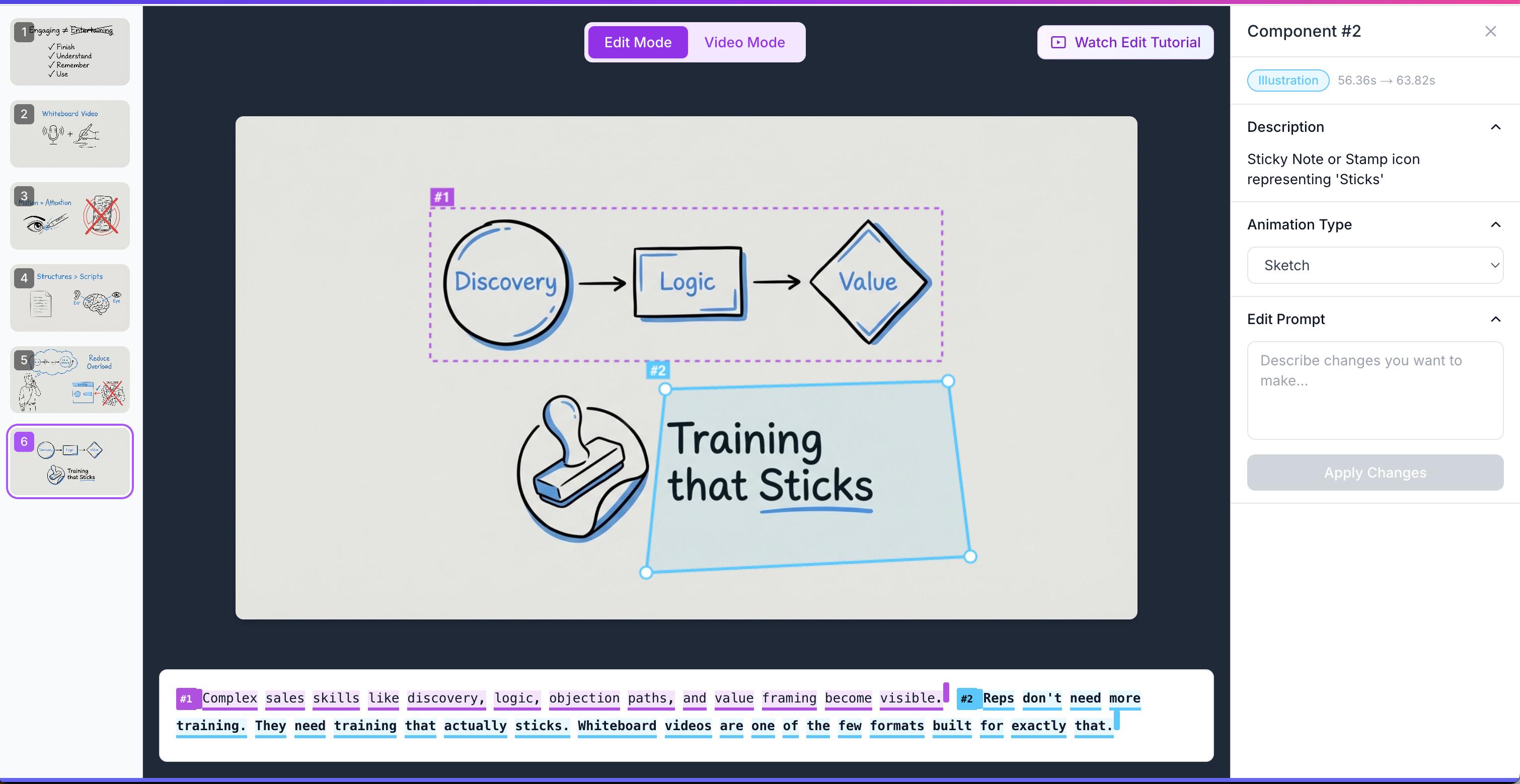
Component by component editing
Select any element in the video — text, shape, animation — and edit it independently. Full control, no guesswork.
BEFORE & AFTER
Stop paying agencies for videos
your team doesn't watch
Without Golpo
- ✕External production adds briefing and review cycles
- ✕Training knowledge can remain trapped in long documents
- ✕Procedure changes require a new production pass
- ✕Each vendor revision needs coordination
With Golpo
- ✓Generate a first video draft from a prompt or document
- ✓Use narration and visuals to explain each concept
- ✓Revise the script or video with plan-supported controls
- ✓Scale usage according to credits and plan limits
Need convincing?
Tell your boss about Golpo AI
We'll send a professional note on your behalf.
Dear [Boss],
190,000+ teams already use Golpo AI, so you know you'll be in good hands.
Best,
The Golpo AI Team
Common questions
Why are whiteboard videos better for employee training?
Whiteboard animation can reveal a process or concept one step at a time while narration supplies context. Whether it works better than text or slides depends on the audience, material, accessibility, and instructional design.
Do I need any video skills?
None. Write a prompt or drop in your training doc. Golpo handles the script, animation, narration, and captions.
How quickly can I make a training video?
Generation time varies with the source length, requested duration, visual style, and active render queue. Allow additional time for factual review, accessibility checks, and stakeholder approval before publishing training content.
Can I make videos for different teams or procedures?
Yes. You can create separate videos for different teams or procedures, subject to the credits, duration limits, and features included in your plan.
What if our procedures change?
Update the source or script and generate a revised version. Editing capabilities depend on the plan, and your team should review each revision before replacing approved training content.
Simple, transparent pricing
Start for free, scale as you grow. No hidden fees.
Compare all plans and features
See the full pricing table — credits, video lengths, features, and add-ons across every plan.
View Full PricingNeed a custom enterprise plan?
Related resources
How to create whiteboard animation videos with AI
Step-by-step guide to the AI whiteboard animation generator workflow.
Compare whiteboard animation tools
Golpo AI vs Synthesia, Canva, HeyGen, InVideo, and more.
Whiteboard animation examples
Real videos generated by Golpo AI across training, education, and marketing.
Turn your training material into a reviewable video draft
Start with a prompt or document, then review before publishing.
No credit card required