For Educators
Turn your lesson plans into engaging videos. With a prompt.
Create narrated whiteboard explainers from lesson plans, typed notes, and readable documents. Choose one learning objective and review the explanation before assigning it to students.
Sample video — created with one prompt in Golpo
Try one free 1-minute watermarked preview. Downloads require a paid plan.
Build an explanation one diagram and one idea at a time
How it works
From lesson source to a reviewed
whiteboard explanation
Enter your prompt and any documents. Set your voice and video style. Click Generate.
Review the generated narration and visuals before assigning the lesson
Create a video in a variety of whiteboard styles, from sketch to canvas
Full control
Customize every detail
Or let Golpo handle it all. Either way.
Bring your own script
Write the script yourself and have Golpo turn it into a fully animated whiteboard video. Your words, their visuals.
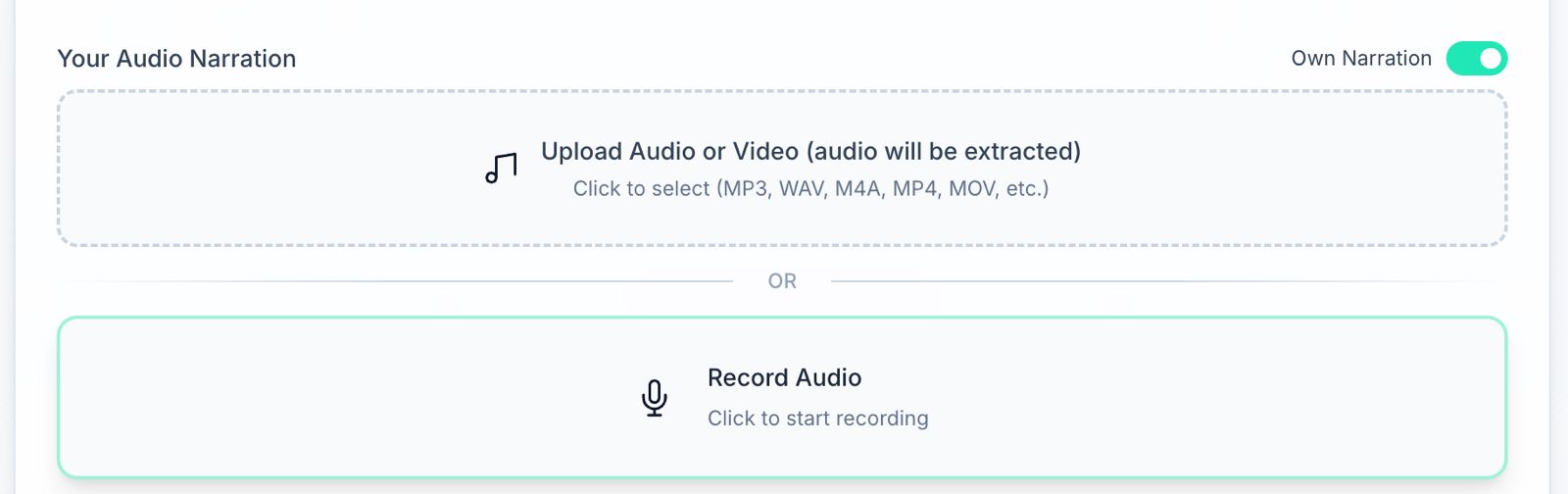
Upload your own audio
Record the narration yourself and Golpo time-aligns the animation to your voice. Frame-perfect, automatically.
45+ languages
Generate videos in any language. One prompt, global reach.
Editing
Need more control after generation?
Every level of editing, from big-picture to frame-perfect.
Visual editing with natural language
Tell Golpo what to change in plain English. It applies it instantly.
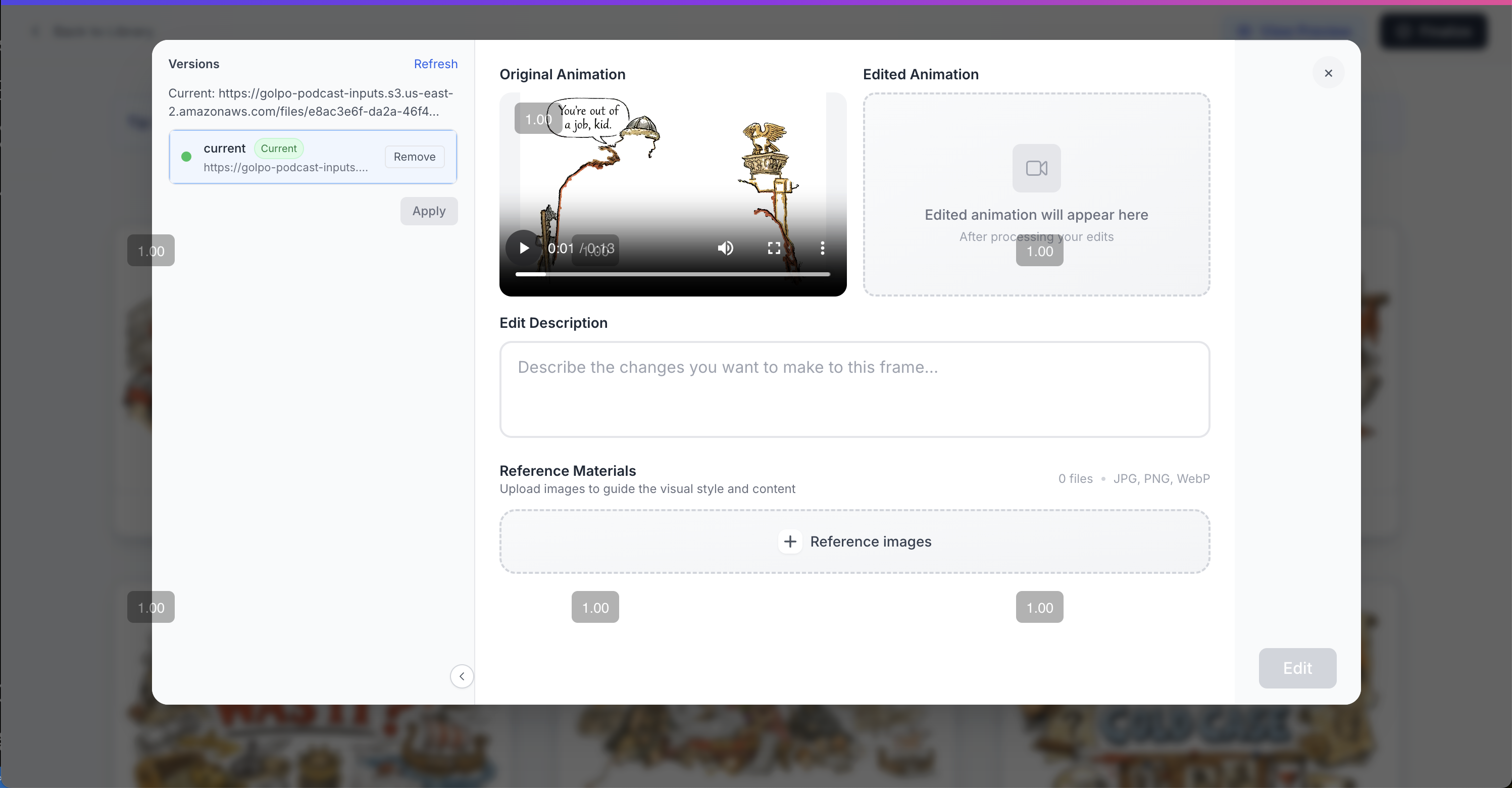
Frame by frame editing
Step through every frame and change exactly what appears on screen at any moment.
Time alignment editing
Fine-tune exactly when each visual appears relative to the narration. Down to the millisecond.

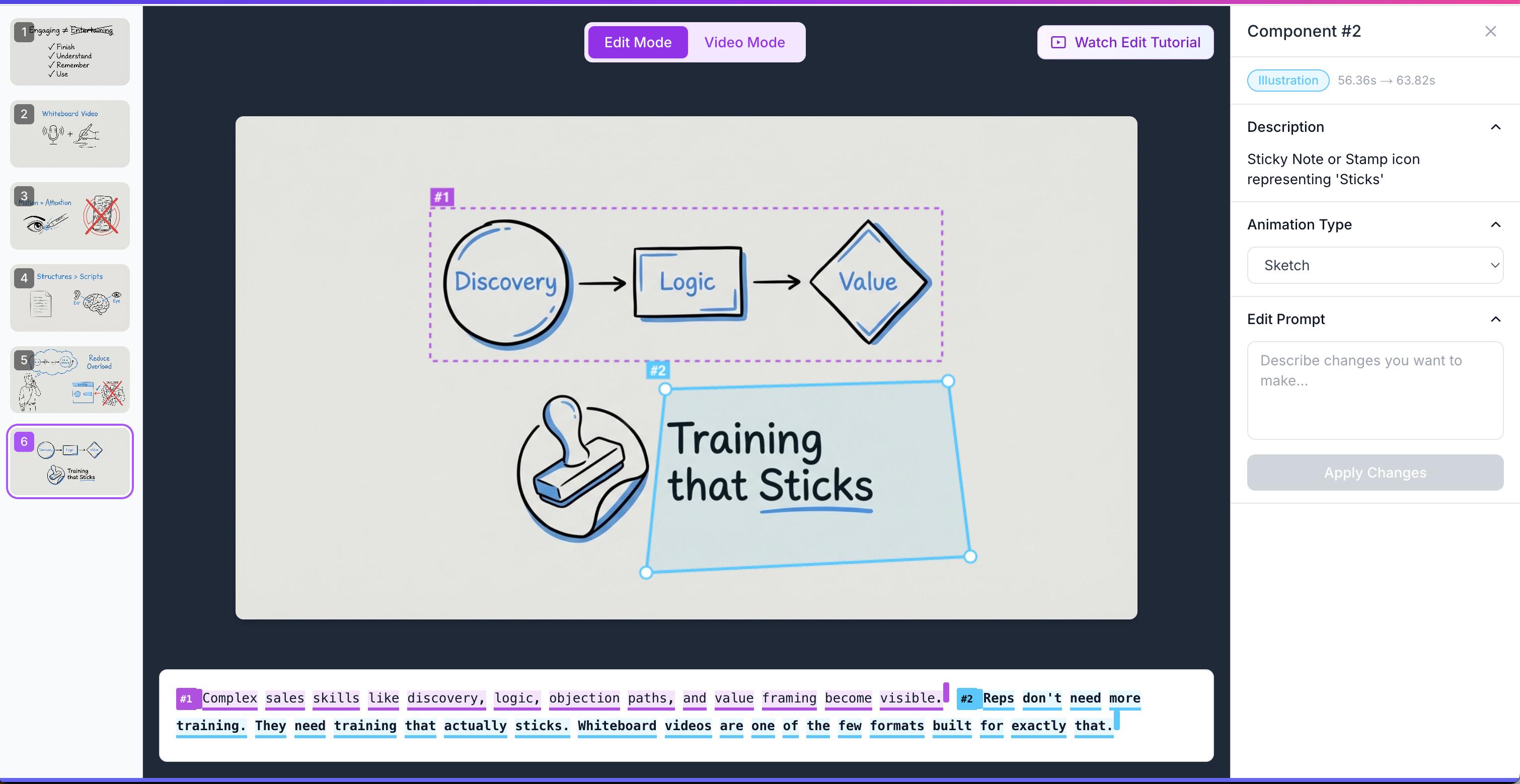
Component by component editing
Select any element in the video — text, shape, animation — and edit it independently. Full control, no guesswork.
BEFORE & AFTER
Stop paying agencies for videos
your team doesn't watch
Without Golpo
- ✕Hours creating slides students zone out from
- ✕Complex concepts that don't land visually
- ✕No time to make video content from scratch
- ✕Every new topic = starting over
With Golpo
- ✓Narrated whiteboard explanation from a focused lesson brief
- ✓Step-by-step diagrams to review against the lesson source
- ✓Build a full video library for every topic you teach
- ✓Reuse the lesson structure when the source changes
Need convincing?
Tell your boss about Golpo AI
We'll send a professional note on your behalf.
Dear [Boss],
210,000+ teams already use Golpo AI, so you know you'll be in good hands.
Best,
The Golpo AI Team
Common questions
When can a whiteboard video support a lesson?
Use the format to build a process or concept step by step, then add a practice question. This page does not establish a universal retention or learning improvement over other lesson formats.
Do I need any technical skills?
None. Describe the concept or paste in your lesson notes. Golpo writes the script and creates the full video.
How fast can I make a lesson video?
Preparation, generation, and review time vary with the source, duration, style, and queue. Time one representative lesson before planning a library.
Can I make videos for different grade levels or subjects?
Yes. Every prompt creates a new video. Adjust complexity and tone with your prompt.
What if I want to update content?
Update the source, review the revised narration, and generate again. Editing controls depend on the plan; the video does not update automatically when your curriculum changes.
Simple, transparent pricing
Start for free, scale as you grow. No hidden fees.
Compare all plans and features
See the full pricing table — credits, video lengths, features, and add-ons across every plan.
View Full PricingNeed a custom enterprise plan?
Related resources
How to create whiteboard animation videos with AI
Step-by-step guide to the AI whiteboard animation generator workflow.
Compare whiteboard animation tools
Golpo AI vs Synthesia, Canva, HeyGen, InVideo, and more.
Whiteboard animation examples
Real videos generated by Golpo AI across training, education, and marketing.
Create your first lesson video today.
No production skills needed. Just a prompt.
One 1-minute watermarked preview; no free download