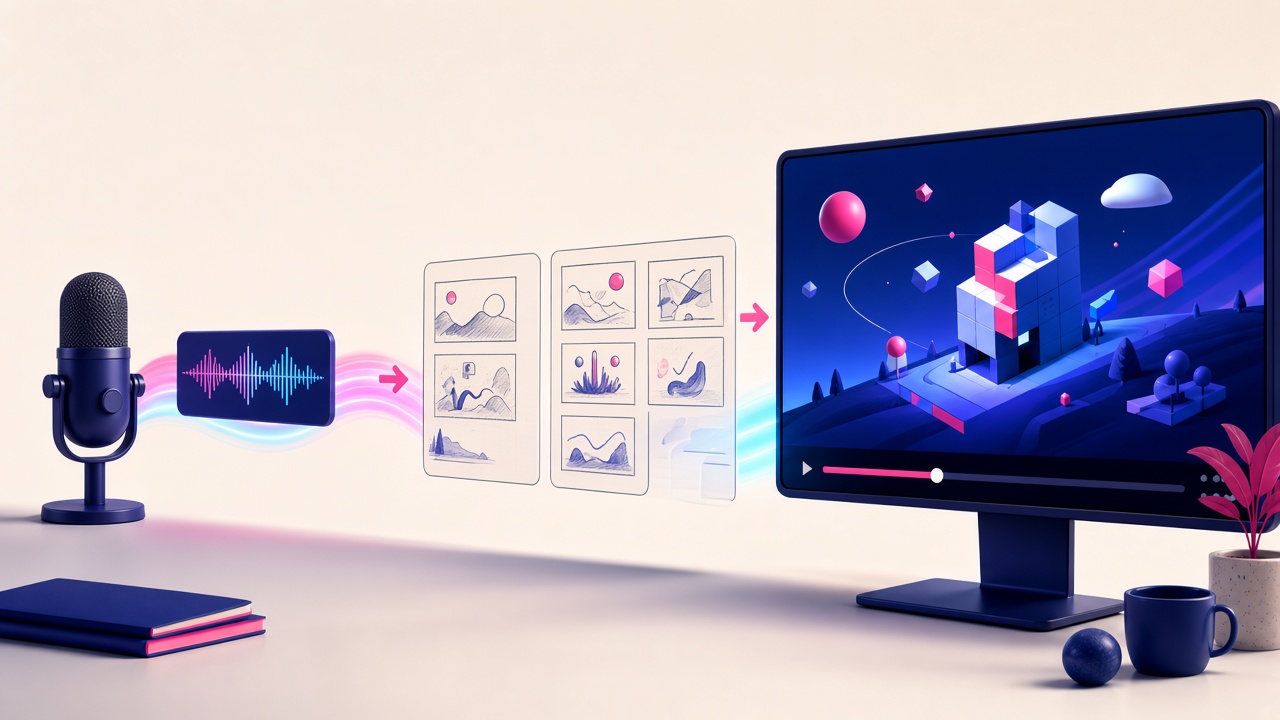
How do I turn my own audio or narration into a video?
Own NarrationTurn Your Own Narration Into an Illustrated Video
Upload or record your narration. Golpo AI builds the illustrated video around that audio.
How your audio becomes a video
Upload or record
Bring an audio file, or a video whose soundtrack Golpo AI will use.
Keep the narration
Own Narration uses that recording as the spoken track and times the visuals to it.
Review and export
Check the timing, then export on a plan that includes the finished download.
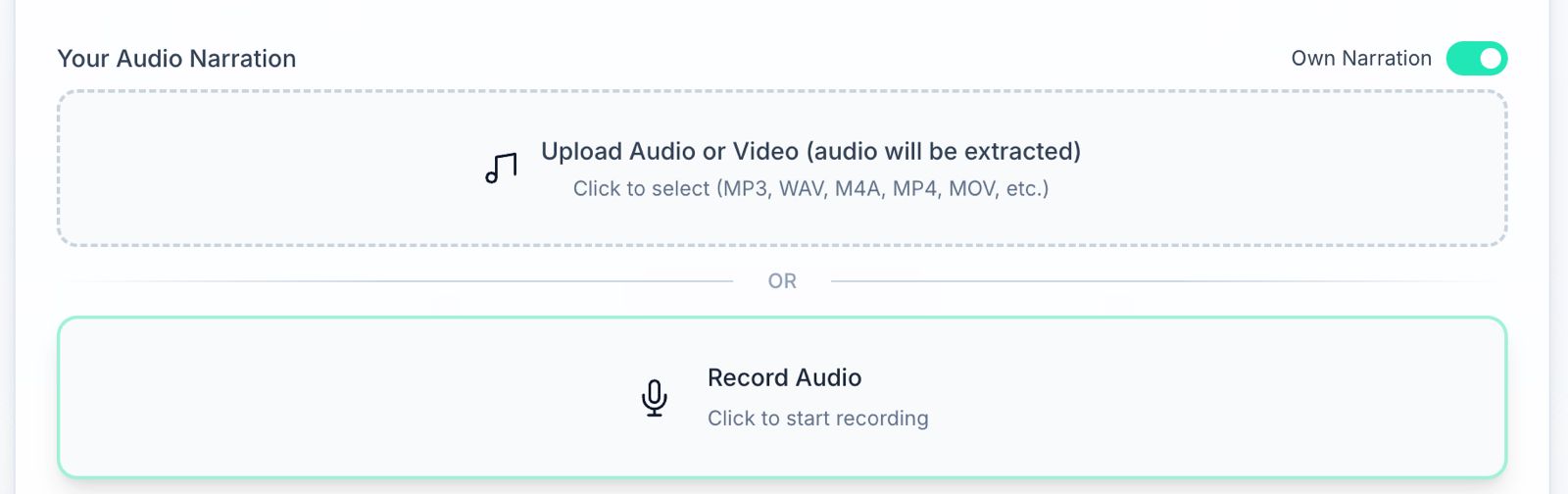
What you can upload
Own Narration accepts MP3, WAV, M4A, AAC, OGG, FLAC, WEBM, MP4, MOV, AVI, or MKV, up to 10 MB. Credits follow the recording’s runtime. The feature is included on Business plans and above, and it is also listed on Pay As You Go.
A source recording and its finished video are shown in the audio to video guide. The full tutorial and troubleshooting stay on that guide.
Audio to video questions
How can I turn my recorded narration or audio into a video?
Will Golpo AI preserve my original narration?
Which audio formats and recording lengths are supported?
Can I change visuals while keeping the narration?
Use the narration you already recorded
Open the playground and turn on Own Narration.
Create a video from my audio