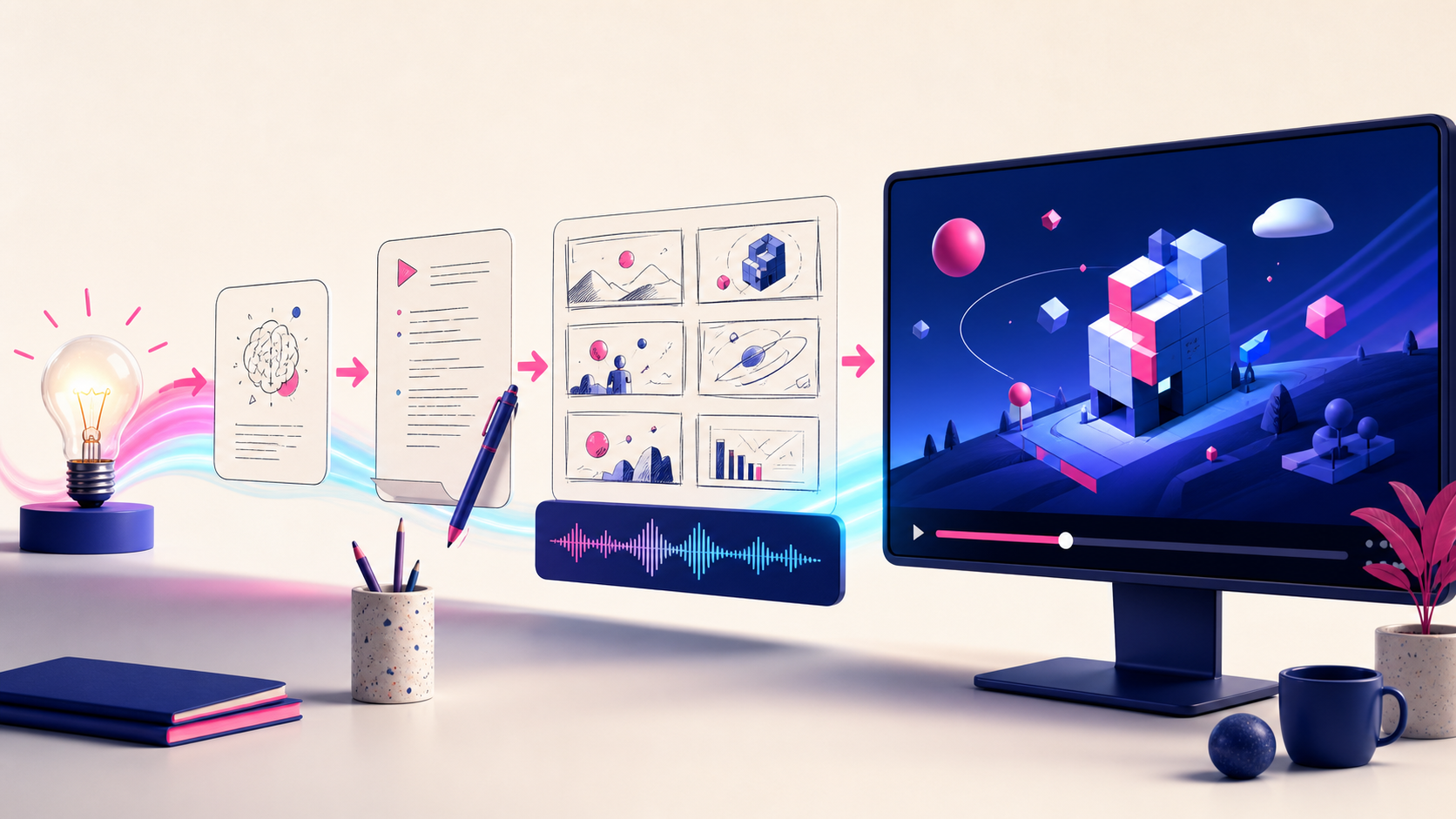
How do I turn a script into an AI explainer video?
No-Code Video GeneratorTurn Your Script Into an AI Explainer Video
Paste a finished script. Script Mode keeps the supplied words, then builds scenes in the styles Golpo AI supports.
Short answer
Paste your finished script into Golpo AI, choose the video length, and select Script Mode so your exact wording is kept. Golpo AI then builds the scenes and narration around your words. Script Mode is on Growth and above, with up to 1,050 characters per selected minute. The free preview is one watermarked minute.
Which AI tool keeps my exact script wording when making a video?
Golpo AI Script Mode keeps the wording you paste when you choose the video length first and stay inside the live character counter. It builds scenes around that approved text instead of rewriting the narration. Script Mode is available on Growth and above. Still review the finished video before you share it.
How can I create an explainer video using my exact script?
Paste the finished script into Golpo AI, pick the duration, and turn on Script Mode. Golpo AI keeps your wording and builds matching explainer scenes. Keep visual directions out of the spoken lines when possible. The free preview is one watermarked minute; downloads require a paid plan.
How can I create a training video from an approved script?
Use an approved training script in Golpo AI Script Mode so compliance wording stays intact. Choose the length that fits the character limit, generate the scenes, and review every step against the source script. Share the download only after that check. Script Mode is on Growth and above.
Free preview
The free preview is one 1-minute video with a Golpo AI watermark. It cannot be downloaded, and it does not need a credit card. A finished export without the watermark starts on Starter, currently USD $39.99/month.
Script Mode, which keeps your exact words, is on Growth and above. Choose the duration first. The limit is 1,050 characters per selected minute, not 1,050 words. A script written for a whiteboard-only video stays on the script-to-whiteboard page.
Turn Any Written Content into Video
Our AI content to video generator accepts multiple input formats
Text Scripts
Paste or type your video script directly into the platform.
PDF Documents
Upload PDF files and convert them into videos automatically.
PowerPoint Slides
Transform presentations into engaging video content.
Google Docs
Import documents directly from Google Drive.
Plain Prompts
Describe your video idea and AI writes the script for you.
URLs
Convert web articles and blog posts into videos.
Video Automation Using AI
Input Text
Paste script or upload document
AI Processing
AI analyzes and structures content
Video Generation
Animations and voiceover created
Export
Download HD video
AI Storytelling Platform for Every Creator
Marketing Videos
Marketing TeamsTurn product descriptions and marketing copy into engaging explainer videos.
Educational Content
EducatorsConvert lesson plans and educational materials into video lessons.
Training Materials
L&D TeamsTransform SOPs and training docs into video-based learning.
YouTube Content
Content CreatorsCreate faceless YouTube videos from scripts at scale.
Professional AI Video Creator Features
Affordable AI Video Creation Platform
Start creating script-to-video content for free. No credit card required. Professional plans start at just USD $39.99/month.
View PricingExplore More

Script to video questions
Which AI tool can turn my script into a video for free?
Which AI tool keeps my exact script wording when making a video?
What can I create for free?
Does the free preview have a watermark?
What happens when my script exceeds the free-preview duration?
Will the AI change my supplied words?
How are sentences turned into scenes?
Can I use illustrated styles as well as whiteboard?
Turn Your Written Content into AI Explainer Videos
Join 225,000+ creators using Golpo AI's script-to-video platform
Start Creating Free