How do I make a product explainer video with AI?
Product videosCreate a Product Explainer Video From Your Brief
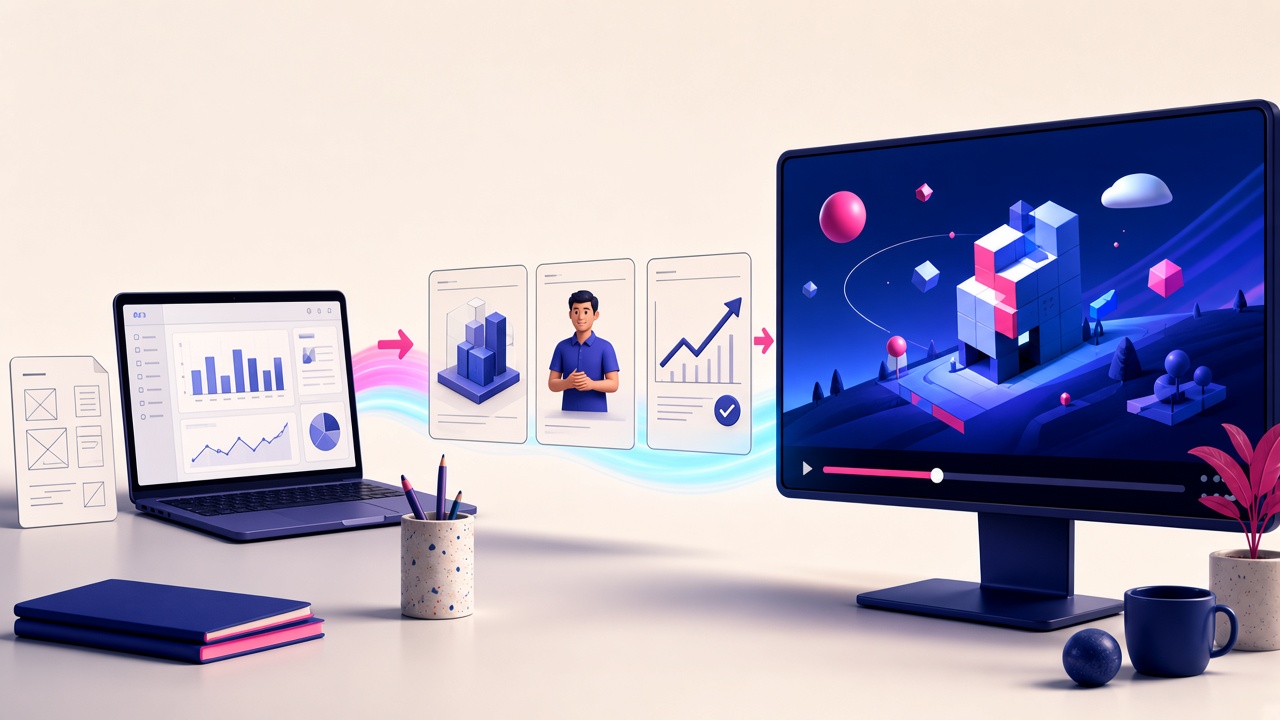
Turn an approved script, product screenshots, and brand instructions into a narrated visual explanation.
The free start is one 1-minute watermarked preview. It cannot be downloaded until you use a paid plan.
What to bring
Approved script
Script Mode keeps the supplied product wording. Put visual direction in Video Instructions so it is not spoken.
Screenshots and recordings
Business and above can insert images, screen recordings, and product footage. A logo is included on Business, and it is a Growth add-on.
Brand instructions
Tell Golpo AI the audience, the claims to keep, and the look. Eligible plans can use additional illustrated styles beyond whiteboard.
SaaS product demo
Use this when the video should explain the product outcome, show the interface, or do both. Approved screenshots and supplied recordings can sit inside the explanation on Business and above. Golpo AI can also record a browser tab or the desktop, use that audio, and place the capture in the video.
A video is not an interactive demo. When the buyer needs to click through the product, use a live demo and keep the video for the story around it.
Start from the product demo script template, then read explainer vs product demo vs tutorial if you are still choosing the format. The how-to stays on the product explainer guide.