Colossyan AI Video Generator

Colossyan makes training videos with AI avatars and adds interactive features for learning teams. Golpo AI turns your documents into narrated whiteboard explainers, with an optional AI presenter beside the visuals. Try Golpo AI for free!

0 / 18,500

The short version

Both tools turn text into narrated video, but they solve different problems. Colossyan is built around a presenter on screen. Golpo is built around explaining a process or idea visually.

Pick Golpo AI if
You want engaging whiteboard explainers, you are starting from PDFs, slides, or SOPs, or you need cost-effective training content at volume.
Pick Colossyan if
You need interactive training with quizzes, branching scenarios, and a presenter in every lesson.

What a Golpo video looks like

Pick a style from the list. Each one is a real video made in Golpo, so you can judge the look before you start.

WhiteboardGolpo Canvas · Polished, fully-illustrated scenes

A presenter, and so much more

Colossyan puts the presenter first. Golpo can add one too, and then shows the idea beside them.

AI Presenter

Put a face on your explainer

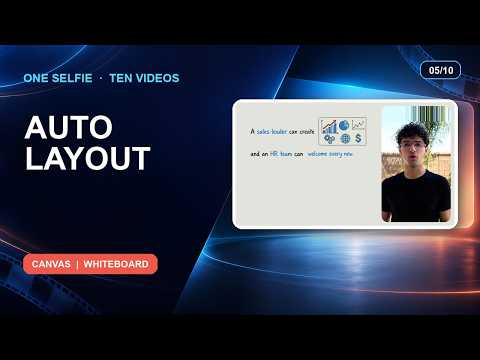
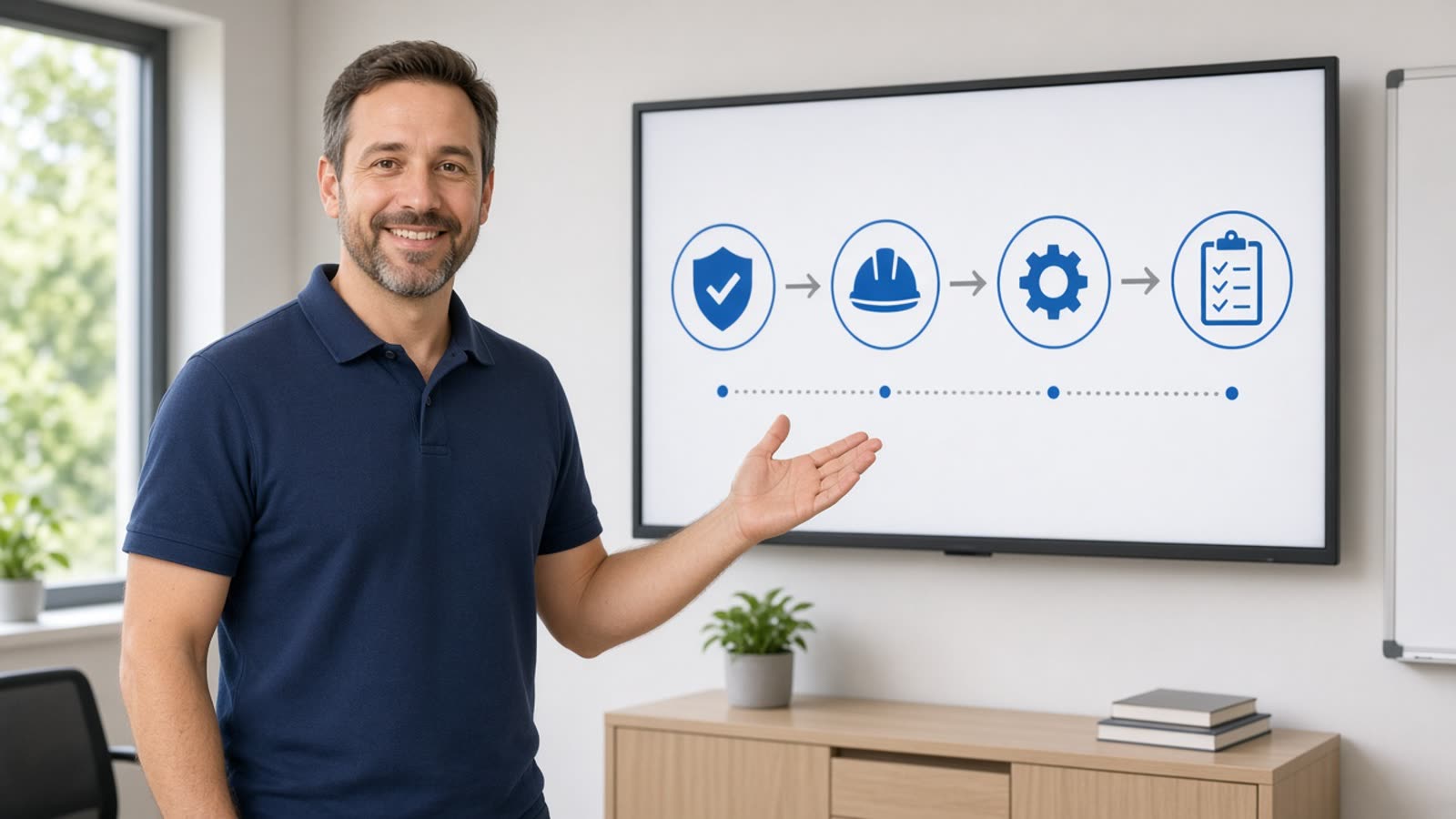
Turn a selfie or photo into a lip-synced presenter, or pick one of Golpo's ready-made avatars. The presenter appears next to the whiteboard visuals, so viewers get a person and the diagram together.

  • Your own photo, or a Golpo avatar
  • Auto, side by side, top and bottom, round overlay or full screen
  • Landscape for the web, vertical for Shorts and Reels
  • Available on Creator plans and above
Golpo Canvas

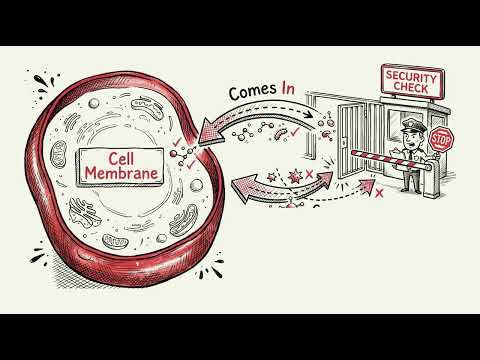
Illustrated scenes drawn for your script

Every scene is made from your content, so nothing comes from a shared template or stock library. Pick a look like Editorial, Technical or Chalkboard and the whole video follows it.

  • 10+ visual styles
  • Edit any scene without regenerating the rest
  • Starts from a PDF, deck, script or audio file

Golpo Studio

Motion videos on any topic, up to an hour long

Studio is Golpo's general-purpose video model. It makes hand-drawn videos with purposeful motion, can match the style of a reference you give it, and keeps visuals consistent from start to finish.

  • Up to 60 minutes in one go
  • 45+ languages
  • Edit script, narration and timing after generation

Feature-by-Feature Comparison

Where each tool is stronger, based on what each is designed to do.

FeatureGolpo AIColossyanBetter fit
Video styleWhiteboard and illustrated animationsAI avatar training videosGolpo
Starting pointPDF, PPT, and Docs turn into a finished videoScript, document, or presentation importGolpo
Presenter on screenAI Presenter from a selfie or photo, or a Golpo Avatar (Creator and above)Avatars and scenario-style conversations on screenColossyan
Languages45+ languagesMultilingual avatars and voices (check the current list)Tie
EditingEdit any scene or component in placeEdit scenes, add interactions and quizzesColossyan
Best forTraining, education, and explainersInteractive training and compliance coursesGolpo

Strengths and Trade-offs

Golpo AI

Narrated whiteboard and illustrated explainers generated from documents, scripts, or a prompt.

Strengths

  • Starts from the PDF, deck, or SOP you already have
  • Visuals are tied to the narration that explains them
  • Edit scenes and components in place
  • Long-form videos in 45+ languages

Trade-offs

  • Not built for a realistic full-screen spokesperson video

Colossyan

AI avatar videos built for workplace learning, with document import and interactive learning features.

Strengths

  • Built around training and L&D workflows
  • Document and presentation import
  • Interactive elements such as quizzes and branching
  • Export options for learning platforms

Trade-offs

  • The avatar is the main visual, so processes are shown through presenter and slides
  • Interactive learning features add setup time

Best Tool for Each Use Case

If you are makingBetter fitWhy
Training and L&DTieColossyan for interactive courses, Golpo for visual explanations
Personalized sales videosColossyanAvatar personalization at scale
Educational contentGolpoWhiteboard animation keeps concepts clear
Spokesperson videosColossyanRealistic avatar presenters
SOP and process videosGolpoDocument-to-video automation
Interactive quizzes and branchingColossyanLearning features built into the video

Colossyan vs Golpo AI: Frequently Asked Questions

OverviewIs Golpo AI a good Colossyan alternative?

It is a good alternative when the goal is to explain something, such as training, onboarding, or a lesson. Golpo AI generates narrated whiteboard explainers from documents. If the whole video needs to be a presenter, Colossyan is the closer fit.

AvatarsDoes Golpo AI have AI avatars?

Yes. On Creator plans and above you can add an AI Presenter made from a selfie or photo, or pick a Golpo Avatar, and show it beside the whiteboard explanation. It is a presenter alongside the visuals rather than a full-screen talking head.

TrainingIs Golpo AI good for training videos compared with Colossyan?

Yes, when the training needs visual explanation of a process or concept. Golpo turns SOPs and decks into narrated whiteboard videos. For interactive courses with quizzes and an avatar in every scene, Colossyan is the closer fit.

DocumentsCan I turn a PDF or PowerPoint into a video?

Yes. Upload a PDF, PowerPoint, or Google Doc and Golpo AI extracts the key points, writes the narration, and builds the scenes. You can also paste a script, a plain prompt, or upload an audio recording.

PricingHow does pricing compare?

Golpo AI Starter is $39.99 per month with 20 monthly credits and no watermark. Colossyan plans differ by features, minutes, and seats and change often, so check its pricing page for current details before you decide.

Make Your Next Video anExplainer, Not Just a Presenter

Start with a document and get a narrated whiteboard explainer in minutes.