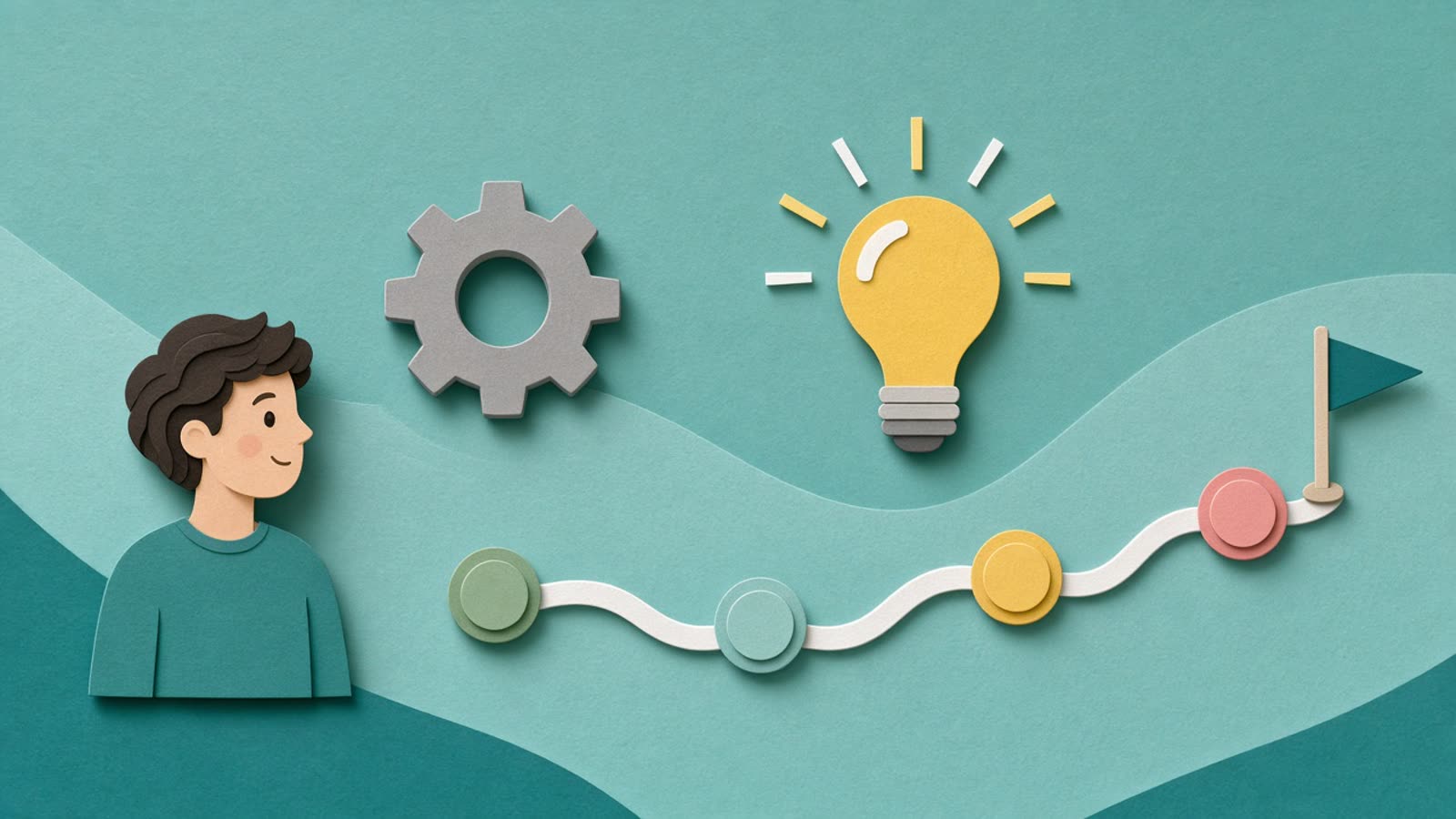
Pen in Hand
A real hand drawing on screen
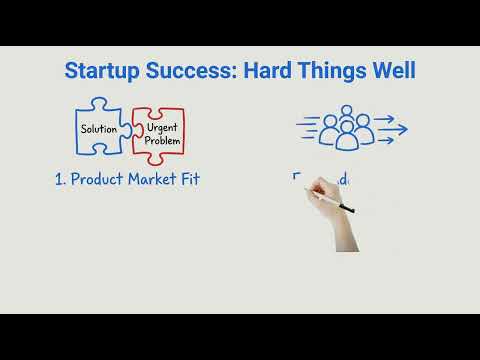
Pen, Marker and Stylus Whiteboard show a hand drawing every line. It feels like a teacher at a board, which is hard to get from templates or generated footage.
- Pen, Marker and Stylus variants
simpleshow is known for explainer videos and a video maker that turns text into a story and a visual storyboard, popular with training and communication teams. If you want custom scene styles and documents as the starting point, Golpo is the closer fit. Try Golpo AI for free!
simpleshow is a capable tool. These are the friction points that come up when the goal is turning source material into a narrated explainer.
What it takes to make one training explainer from a source document.
| Step | In simpleshow | In Golpo |
|---|---|---|
| Start | Paste your text or outline into the story editor | Upload the PDF, deck, or doc, or paste a prompt |
| Script and narration | Review the proposed story and narration | Golpo extracts the key points and writes the narration |
| Visuals | Match each part of the story to icons and visuals | Illustrated or hand-drawn scenes are generated and tied to the narration |
| Editing | Adjust visuals and timing in the editor | Edit any scene or component in place |
| Output | Export the finished explainer | Export 16:9 or 9:16, in 45+ narration languages |
Whiteboard is only one of the ways Golpo draws a video. Pick the engine that suits the job.
Pen in Hand
Pen, Marker and Stylus Whiteboard show a hand drawing every line. It feels like a teacher at a board, which is hard to get from templates or generated footage.
Golpo Sketch
Each idea is sketched as the narrator reaches it, so viewers look at what is being explained. It suits training, lessons and process walkthroughs.
Golpo Studio
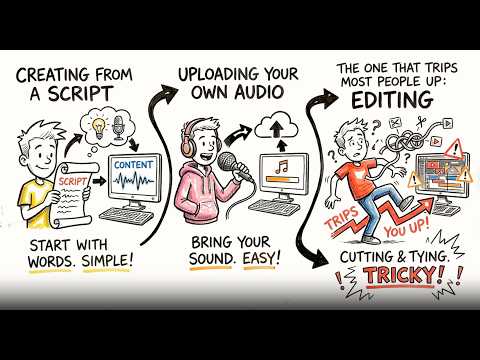
Studio is Golpo's general-purpose video model. It makes hand-drawn videos with purposeful motion, can match the style of a reference you give it, and keeps visuals consistent from start to finish.
Most of what you used simpleshow for has a direct equivalent.
| In simpleshow | In Golpo | Note |
|---|---|---|
| Text to explainer story | Documents, decks, and scripts to narrated video | PDF, PPT, Docs, audio, or a prompt |
| Icon and visual library | Illustrated scenes drawn for your content | 10+ visual styles |
| Narration | Built-in narration | 45+ languages |
| Export sizes | 16:9 and 9:16 export | Pick the frame before you generate |
Choose a training or explainer video you already made in simpleshow, ideally one with a source document behind it.
Add the original PDF, slides, or script. Pick a style and a narration language.
Check the script and scenes against your source, then edit any scene that needs a change.
Export in your frame size and compare it with the simpleshow version before moving more videos.
For training, education, and explainers, yes. Golpo AI generates the whole narrated video from a document or prompt, with no manual scene building. If you like the simpleshow explainer format, simpleshow is the closer fit.
Yes. Golpo AI has more than 10 visual styles across Canvas, Sketch, and Pen in Hand, so you can match the look to the audience and keep it consistent across a series.
Yes. Upload a PDF, PowerPoint, or Google Doc and Golpo AI extracts the key points, writes the narration, and builds the scenes. You can also paste a script, a plain prompt, or upload an audio recording.
There is a free 1-minute watermarked preview with no credit card. Paid plans start at $39.99 per month with 20 monthly credits and no watermark. See the pricing page for current plans.
Bring a document you would have built in simpleshow and see the first draft for yourself.