LMS Orientation Videos from Course Maps and Rubrics
Two source-grounded examples show how instructional-design teams turn a week-zero course map and rubric deck into student videos.

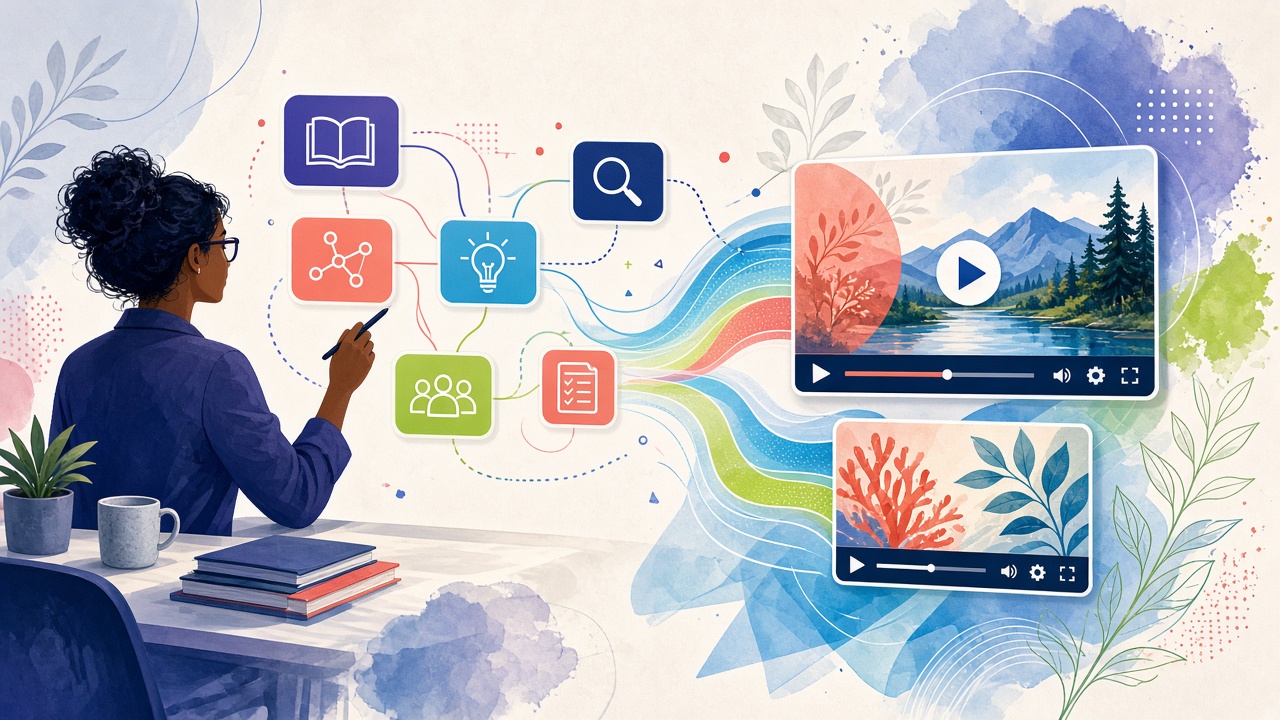
The direct answer: Move recurring course navigation and rubric orientation out of one-off screen recordings and into versioned, accessible videos generated from the design artifacts.
This guide is for instructional designers, online-learning teams, faculty developers, LMS administrators, accessibility teams, and program leaders. Both videos below are real Golpo renders generated from the source documents linked beside them. No narration script was supplied.
Why readers stay confused
The document exists. The explanation does not.
- Students encounter navigation, dates, participation rules, support channels, grading, and accessibility before they can begin the content.
- Faculty re-record walkthroughs when the course shell changes.
- Rubric labels are visible but the relationship between criteria, evidence, and feedback remains unclear.
- A polished video can still be inaccessible or drift from the live course.
“Treat the course map and rubric as production sources, not background reading for a scriptwriter.”
Two documents. Two very different jobs.
The first video gets the larger stage because it explains the broad mental model. The companion is intentionally smaller and more task-specific—the way a useful institutional video library should work.
Companion example · smaller, sharper, task-specific
How This Assignment Will Be Evaluated
Turn the rubric deck into a student-facing explanation of criteria, performance levels, evidence, submission, feedback, and revision.
Open the source PowerPoint · No narration script was supplied.
Production brief and visual controls
Build this video entirely from the attached document. Title it: How This Assignment Will Be Evaluated. Turn the rubric deck into a student-facing explanation of criteria, performance levels, evidence, submission, feedback, and revision. Write the narration yourself from the attached document; no narration script is supplied. Do not introduce any fact, figure, date, name, instruction, policy, right, deadline, recommendation, promise, or outcome not in the document. Treat the people, institution, identifiers, and values as the document's own facts. Never call the document a sample, demo, fictional, synthetic, illustrative, or an example.

VISUAL DIRECTION
Use one visual scale per criterion and quote rubric labels exactly. Never promise a grade. FIGURE LOCK: every number, date, time, code, fee, threshold, window, phone number, status, and identifier shown or spoken must come from the attached document. Do not invent placeholder values.
From approved document to governed video
- Freeze the approved course map or rubric revision.
- Generate a week-zero overview and a separate assignment explanation.
- Review dates, tools, criteria, labels, captions, contrast, and reading order.
- Embed beside the exact LMS module or assignment.
- Regenerate when the source artifact changes—not every time an instructor wants a cosmetic edit.
Where API or MCP helps
Scale begins only after the source template and review gate are stable. API or MCP can upload the current artifact, request a draft, route it for source-to-scene review, publish the approved MP4 with the source, and withdraw the pair when that source is superseded. Automation should multiply reviewed institutional truth—not multiply prompts.
What the video must never decide
- The syllabus, LMS, assignment, rubric, and instructor announcements control.
- The video never promises a grade or replaces required accessible alternatives.
- Accessibility review applies to the video player, media, captions, transcript, and surrounding page.
Evidence and governing references
Frequently asked questions
Why not record a screen walkthrough?
A screen recording is useful for interface detail; a document-grounded explainer is easier to version for course logic, expectations, and rubric meaning.
Can the video replace the rubric?
No. It helps students read the rubric; the published assignment and rubric control.
Does Golpo make the video accessible automatically?
No single output guarantees accessibility. Captions, transcript, visuals, player, contrast, and surrounding LMS content require review.
Can this scale across sections?
Yes, when shared source artifacts and section-specific fields are clearly separated and governed.
Can the video promise a score?
No. It can explain criteria and evidence without predicting or assigning a grade.
Start with one document people already ask about
Choose one rubric that generates repeated clarification questions and make the approved rubric—not an improvised script—the source.
Continue through the Education operations series
- Turn the K–12 Family Handbook into Parent Orientation Videos
- School District Family Communications That Explain the Decision
- College Student-Services Videos for Degree Audits and Registration Holds
- University Admissions Videos from Application and Enrollment Documents
- Turn teacher lesson notes into whiteboard videos
- Build a classroom video library from lesson plans
- Automate document-to-video production with the Golpo API
Tags


