Turn the K–12 Family Handbook into Parent Orientation Videos
See how schools turn family handbooks and arrival procedures into two clear, document-grounded parent videos—with the source beside every example.

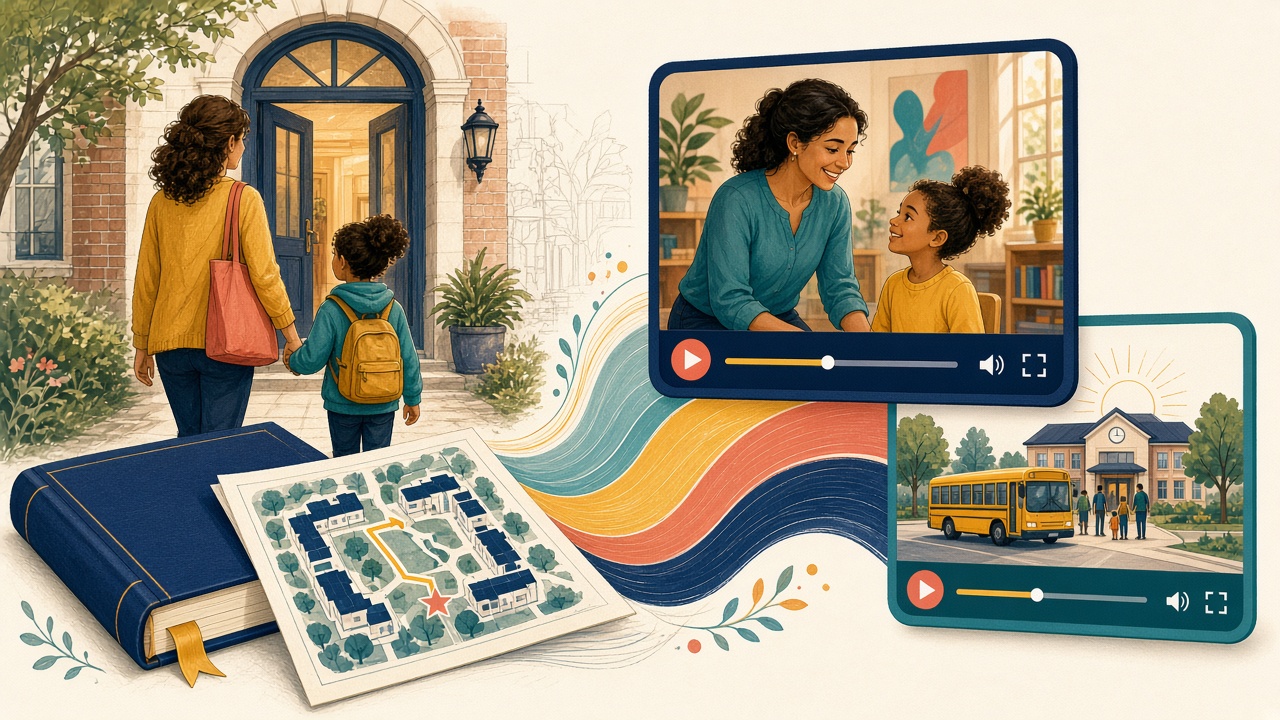
The direct answer: Make the handbook usable at the moment a family needs it: one big orientation to the school year and one focused video for the daily procedure that creates the most confusion.
This guide is for principals, family-engagement teams, enrollment offices, communications staff, and school operations leaders. Both videos below are real Golpo renders generated from the source documents linked beside them. No narration script was supplied.
Why readers stay confused
The document exists. The explanation does not.
- Families receive attendance, device, meal, communication, behavior, privacy, arrival, and dismissal information at the same time.
- The handbook is complete but not designed for a parent standing in a car line or changing pickup at noon.
- Generic back-to-school videos drift from the school's actual times, entrances, contacts, and policy references.
- Front-office staff repeat the same operational explanation while consequential questions still require the full policy and a person.
“The best parent video does not replace the handbook. It gives the handbook an entrance.”
Two documents. Two very different jobs.
The first video gets the larger stage because it explains the broad mental model. The companion is intentionally smaller and more task-specific—the way a useful institutional video library should work.
Companion example · smaller, sharper, task-specific
Arrival and Dismissal Without the Guesswork
Explain the arrival lanes, walk-up procedure, authorized pickup, dismissal changes, late pickup, and emergency fallback.
Open the source PDF · No narration script was supplied.
Production brief and visual controls
Build this video entirely from the attached document. Title it: Arrival and Dismissal Without the Guesswork. Explain the arrival lanes, walk-up procedure, authorized pickup, dismissal changes, late pickup, and emergency fallback. Write the narration yourself from the attached document; no narration script is supplied. Do not introduce any fact, figure, date, name, instruction, policy, right, deadline, recommendation, promise, or outcome not in the document. Treat the people, institution, identifiers, and values as the document's own facts. Never call the document a sample, demo, fictional, synthetic, illustrative, or an example.

VISUAL DIRECTION
Use a simple campus map and clock sequence. Never invent a gate, time, or safety instruction. FIGURE LOCK: every number, date, time, code, fee, threshold, window, phone number, status, and identifier shown or spoken must come from the attached document. Do not invent placeholder values.
From approved document to governed video
- Choose one approved school document and one parent task.
- Generate narration from that document without writing a separate script.
- Check every scene against the source's dates, times, gates, offices, and policy references.
- Publish the source beside the video and route exceptions to staff.
- Regenerate when the handbook revision, calendar, or procedure changes.
Where API or MCP helps
Scale begins only after the source template and review gate are stable. API or MCP can upload the current artifact, request a draft, route it for source-to-scene review, publish the approved MP4 with the source, and withdraw the pair when that source is superseded. Automation should multiply reviewed institutional truth—not multiply prompts.
What the video must never decide
- The complete handbook and current school notice control.
- Do not include real student information in a public or reusable example.
- A video can explain the procedure; it cannot authorize a pickup change or decide an exception.
Evidence and governing references
- U.S. Department of Education: FERPA
- ED Parent Guide to FERPA
- NCES Parent and Family Involvement in Education
Frequently asked questions
Does the school need to write a narration script?
No. The approved handbook or procedure is uploaded with a narrow brief, and Golpo drafts the narration from it.
Can the video replace the handbook?
No. It is a visual route into the current handbook, notices, forms, and staff contacts.
How do we keep times and entrances accurate?
Lock every operational detail to the source, review the render, and connect the video lifecycle to the document revision.
Can this be translated?
Yes, with qualified language and policy review for each output rather than assuming an automated translation is final.
What is the safest first project?
Arrival and dismissal usually has a clear sequence, high repetition, and objective details that staff can verify.
Start with one document people already ask about
Start with the procedure your front office explains every day, not with the longest chapter in the handbook.
Continue through the Education operations series
- School District Family Communications That Explain the Decision
- College Student-Services Videos for Degree Audits and Registration Holds
- University Admissions Videos from Application and Enrollment Documents
- Financial Aid Videos That Explain the Offer Without Giving Advice
- Turn teacher lesson notes into whiteboard videos
- Build a classroom video library from lesson plans
- Automate document-to-video production with the Golpo API
Tags


